Read with the Webreader: EPUB
Komga has an integrated Webreader packed with features for EPUB books.
To start reading a book, you can click on the read button either on the book card, or on the book details screen.
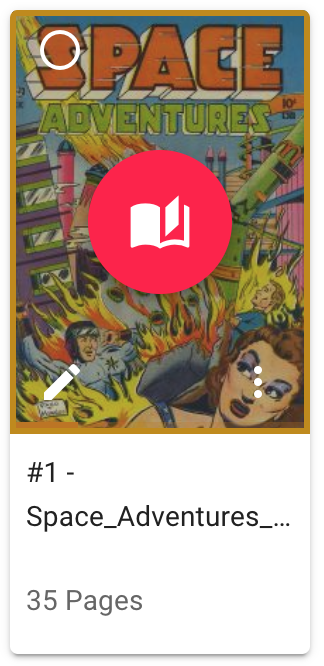
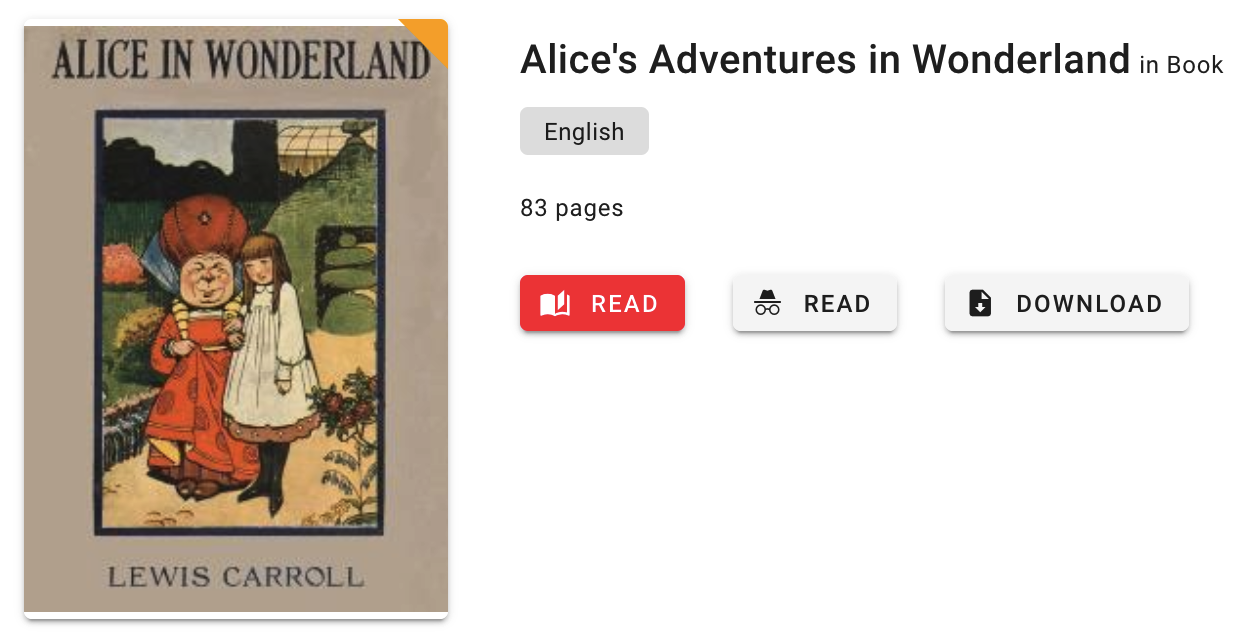
Here is an overview of the Webreader's interface.
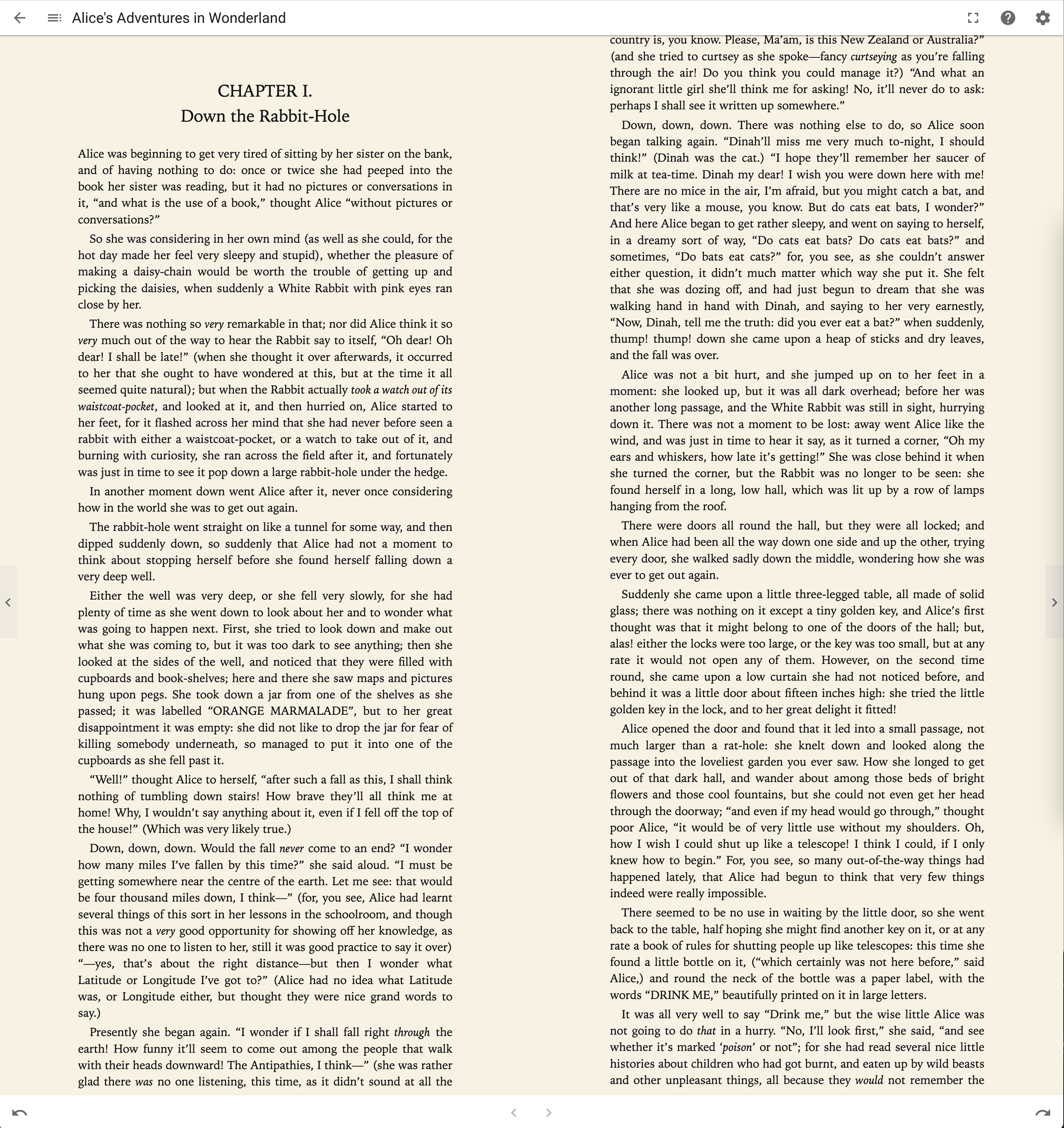
Settings
The Webreader can be configured in various ways from the settings dialog.
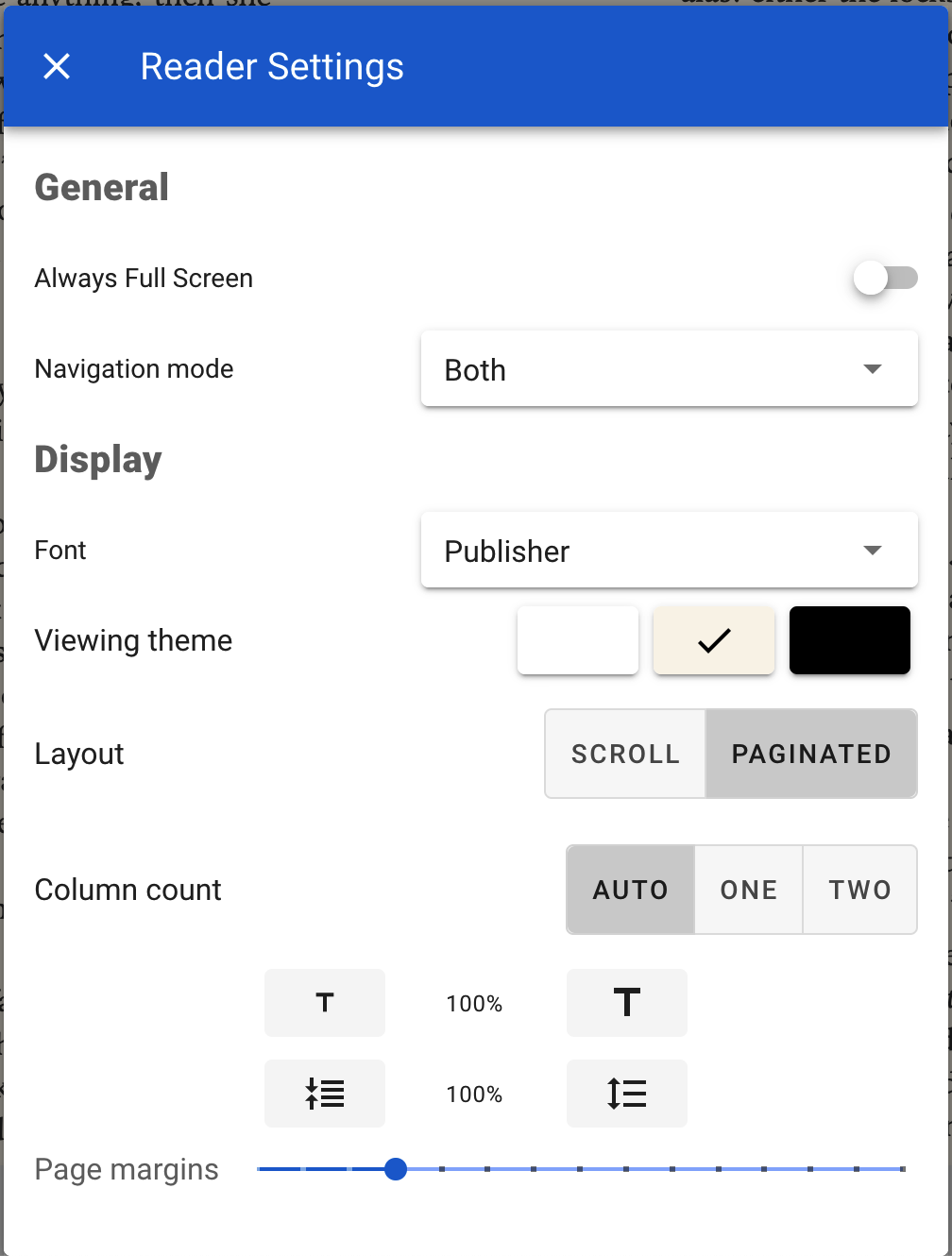
General
Always full screen
The reader will always start in full screen, and exit full screen when you exit from the reader.
Navigation mode
Navigate between pages using the buttons shown on screen, by taping/clicking, or both.
Display
Font
Choose the font used to display the text. The Publisher font is included with the book.
Additional fonts can be installed on the server:
- Create a new
fontsdirectory in the Komga configuration directory. - Create 1 sub-directory for each font family you want to add, for example
Liberation. - Add all the fonts files in the sub-directory.
Komga will recognize the following extensions:
otf,ttf,woff, andwoff2. Komga will recognize the following keywords in file names:boldanditalic, and categorize the fonts accordingly.
An example file structure would be:
config/
  fonts/
    Liberation Serif/
      LiberationSerif-Bold.ttf
      LiberationSerif-BoldItalic.ttf
      LiberationSerif-Italic.ttf
      LiberationSerif-Regular.ttf
    Liberation/
      Liberation-Bold.ttf
      Liberation-BoldItalic.ttf
      Liberation-Italic.ttf
      Liberation-Regular.ttf
Viewing theme
You can choose the background color of the reader between white and black.
Layout
Two layouts are available:
- Scroll
- Paginated
Column count (Paginated layout only)
Choose the number of columns of text to display.
Text size & line spacing
Increase or decrese the text size and line spacing.
Page margins
You can increase the size of the margins.
Help dialog
The help dialog will display the available keyboard shortcuts. The dialog is context-aware, and will only show shortcuts that are relevant to the current reading mode.