Read progress
Komga can track which books you have read, and books that you are currently reading. Reading progress is tracked for each user separately.
Unread and in progress indicators
The book card will display read progress indicators:
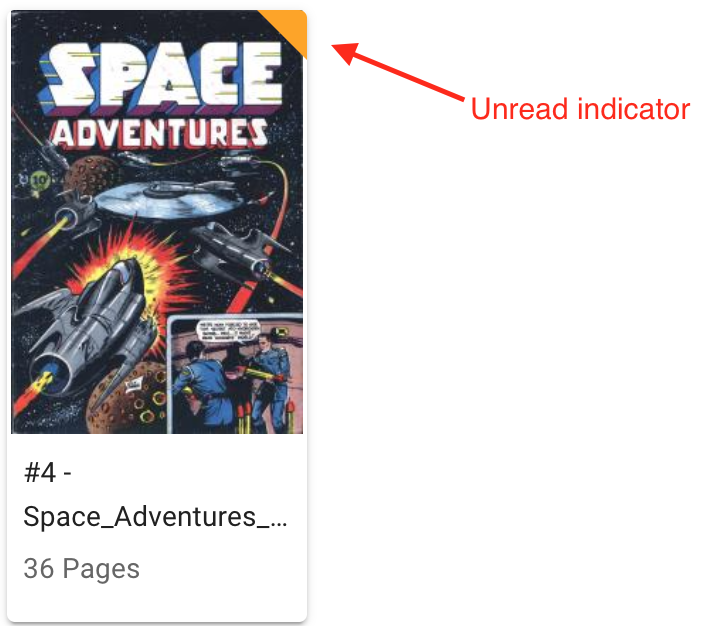
- Unread books will display an orange tick in the top right corner:
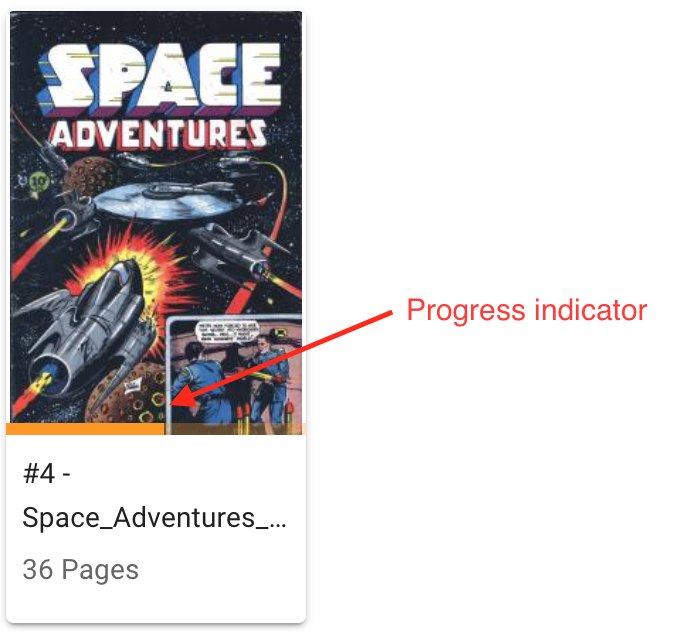
- In progress books will display a progress bar at the bottom of the thumbnail:
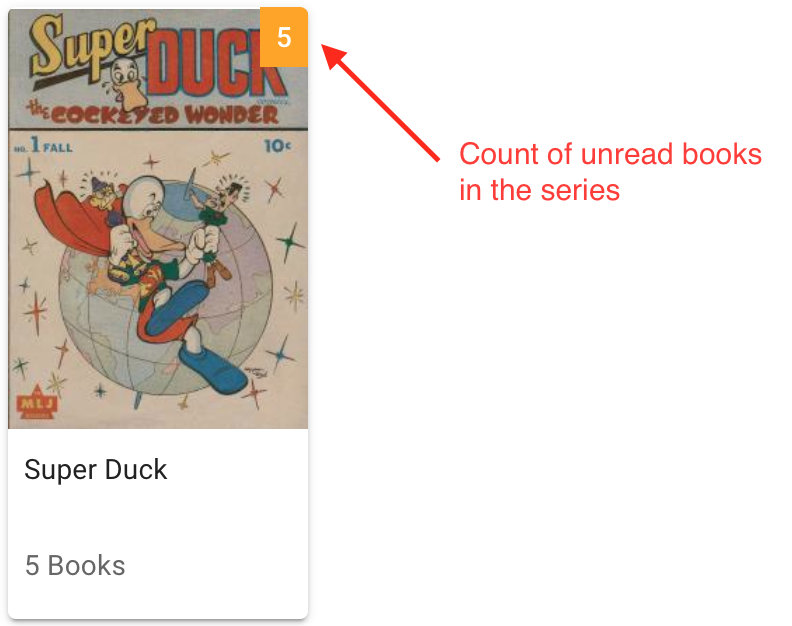
In addition, the series card will display the number of unread books in the top right corner:
Marking progress manually
You can mark books or series as read or unread manually. Look for the action menu icon  and click on Mark as read or Mark as unread.